
How to Compare Text Online: Understanding Diff Algorithms and LCS Math
Explore the mathematical concepts behind text comparison, and learn how Myers' Diff and Longest Common Subsequence (LCS) algorithms operate.
🔧 Interactive Utility Tool
Try the free, 100% secure client-side tool associated with this guide. No registration required.
How to Compare Text Online: Diff Algorithms & LCS Math
Looking for a secure way to analyze and optimize your workflows? Here is a quick reference guide on the subject.
A utility tool is a browser-based application designed to perform local file conversions, formatting, and mathematical calculations instantly and securely inside the client's web browser.
When developers run a git diff command or compare two versions of a code file side-by-side, they rely on a Diff Engine. A diff engine analyzes two input strings, finds all insertions and deletions, and highlights the exact differences. Under the hood, this process is powered by mathematical algorithms, specifically the Longest Common Subsequence (LCS) and Myers' Diff Algorithm.
In this guide, we'll write out the mathematical formulation of LCS, trace Myers' edit graph, and look at browser rendering logic.
Product-Led CTA: Access our comprehensive suite of secure, local tools directly on the Urbandigistore homepage to process your files safely without server uploads.
📐 The Longest Common Subsequence (LCS) Math
The goal of the LCS algorithm is to find the longest sequence of characters that appears in both strings in the same order (but not necessarily consecutively).
Let the two input strings be $A$ of length $N$, and $B$ of length $M$. We construct a dynamic programming matrix $L$ of size $(N+1) \times (M+1)$ to find the LCS:
⚡ Quick Action: Use the Online Tool
This guide pairs with our free, 100% secure client-side utility tool. Process your files or text instantly in-browser.
$$L[i][j] = \begin{cases} 0 & \text{if } i=0 \text{ or } j=0 \ L[i-1][j-1] + 1 & \text{if } A[i-1] == B[j-1] \ \max(L[i-1][j], L[i][j-1]) & \text{if } A[i-1] \neq B[j-1] \end{cases}$$
Once the matrix is populated, the algorithm backtracks from $L[N][M]$ to identify matching characters, marking unmatched elements as deletions (from String $A$) or insertions (into String $B$).
📊 Processing Pipeline Reference
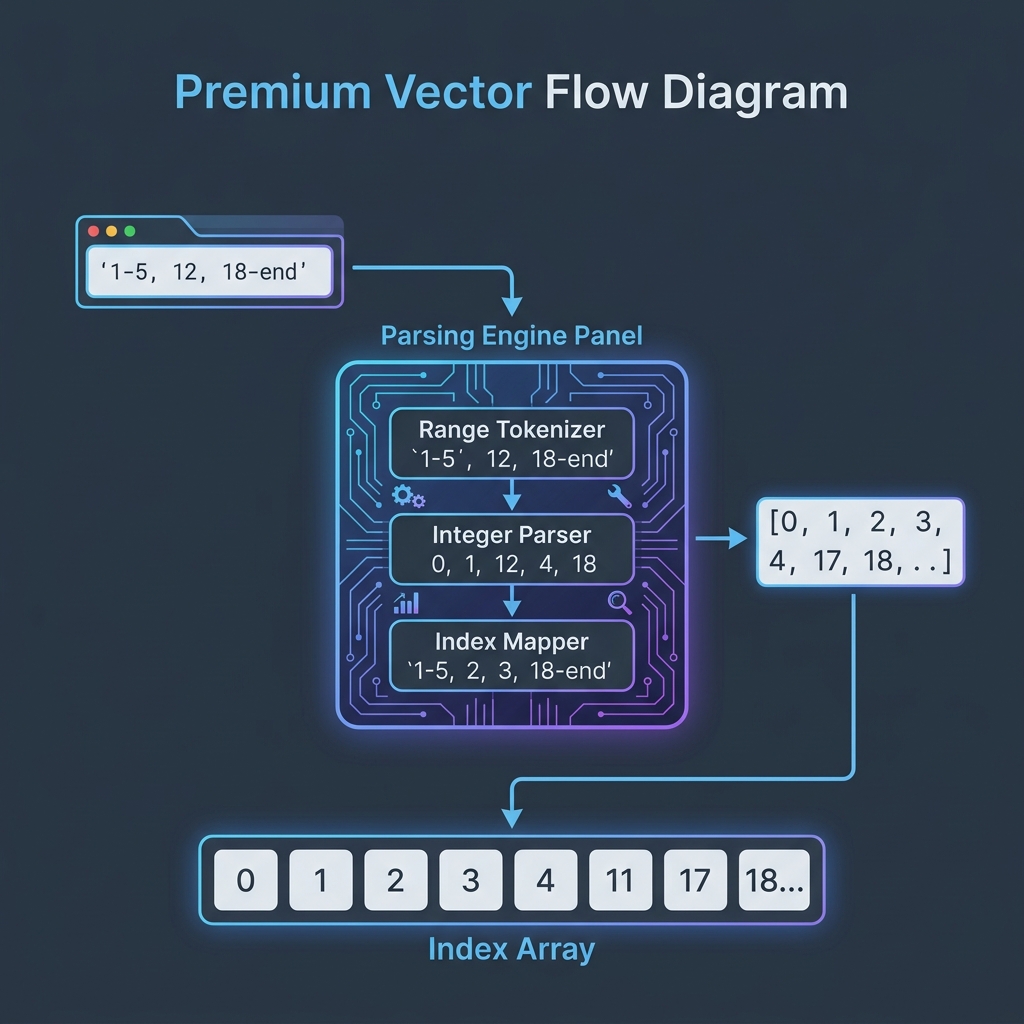
Below is a processing flow illustrating how tokenized strings are indexed and aligned during comparison:
⚙️ Myers' Diff Algorithm: The Edit Graph
While the dynamic programming approach to LCS requires $O(N \cdot M)$ time complexity, standard diff tools utilize Myers' Diff Algorithm, which optimizes the search using an Edit Graph:
- The Graph Grid: The search space is modeled as a grid where horizontal paths represent deletions, vertical paths represent insertions, and diagonal paths represent matching characters.
- The Shortest Path: Finding the diff is solved by finding the shortest path from the top-left corner $(0,0)$ to the bottom-right corner $(N,M)$ of the grid using a Breadth-First Search (BFS) variant.
- Time Complexity: Myers' algorithm reduces complexity to $O(D \cdot (N+M))$, where $D$ is the size of the edit script (total insertions + deletions). For highly similar files, this makes comparison exceptionally fast.
💻 Comparing Files Securely Online
To compare text without exposing proprietary code: * Avoid Server Uploads: Legacy tools upload code to database servers for processing, which poses security risks. * Compare Locally: Use our browser-only Side-by-Side Diff Checker which runs Myers' algorithm entirely in client-side memory. Your code never leaves your sandbox. * To format raw datasets before checking differences, check out our JSON Formatter Tool.
Join the Urbandigistore Hub
Subscribe to receive premium developer cheat sheets, advanced conversion techniques, and campaign optimization checklists. Zero spam, unsubscribe anytime.
🚀 Launch Interactive Tool
Ready to test this directly? Open the secure web tool in a new sandbox tab.