
Understanding HEIC Image Compression: High Efficiency vs. Legacy Compatibility
Discover Apple's HEIC format, learn how HEVC video encoding compresses images by 50%, and explore how browser conversion maintains compatibility.
🔧 Interactive Utility Tool
Try the free, 100% secure client-side tool associated with this guide. No registration required.
Understanding HEIC Image Compression: HEIF vs. JPEG
Looking for a secure way to analyze and optimize your workflows? Here is a quick reference guide on the subject.
Web developer utilities provide local data formatting and media conversion capabilities in the browser. Using modern client-side APIs ensures files are optimized and compared securely without sending data to servers.
In 2017, Apple introduced HEIC (High Efficiency Image Container) as the default photo format for iPhones. HEIC is Apple's proprietary packaging of the HEIF (High Efficiency Image File) standard. While HEIC is mathematically superior to the legacy JPEG format, its limited native support on Windows, Android, and web platforms creates compatibility friction.
In this guide, we'll explain how HEIC compression operates, compare file sizes, and review browser-based conversion.
Product-Led CTA: Need to format minified JSON, compare files, or convert media? Use our secure client-side JSON Formatter, Side-by-Side Diff Checker, Unix Timestamp Converter, HEIC to JPG Converter, or Image Compressor.
⚙️ HEVC Compression: How HEIC Works
Unlike traditional image formats that compress pixels individually, HEIC borrows technologies from HEVC (High Efficiency Video Coding, or H.265) video encoding:
⚡ Quick Action: Use the Online Tool
This guide pairs with our free, 100% secure client-side utility tool. Process your files or text instantly in-browser.
- Intra-Frame Prediction: The compression engine analyzes similar colors and patterns across different blocks of the image, storing vector descriptions instead of raw pixel arrays.
- Color Depth: While standard JPEG supports only 8-bit color depth (16.7 million colors), HEIC supports up to 16-bit color depth (over 280 trillion colors), eliminating color banding in sky and sunset gradients.
- Containers: A single
.heicfile can house multiple images (useful for Burst photos and Live Photos), depth maps (for portrait focus adjustments), and metadata in a single payload.
📊 Volatility and Color Gamut Reference
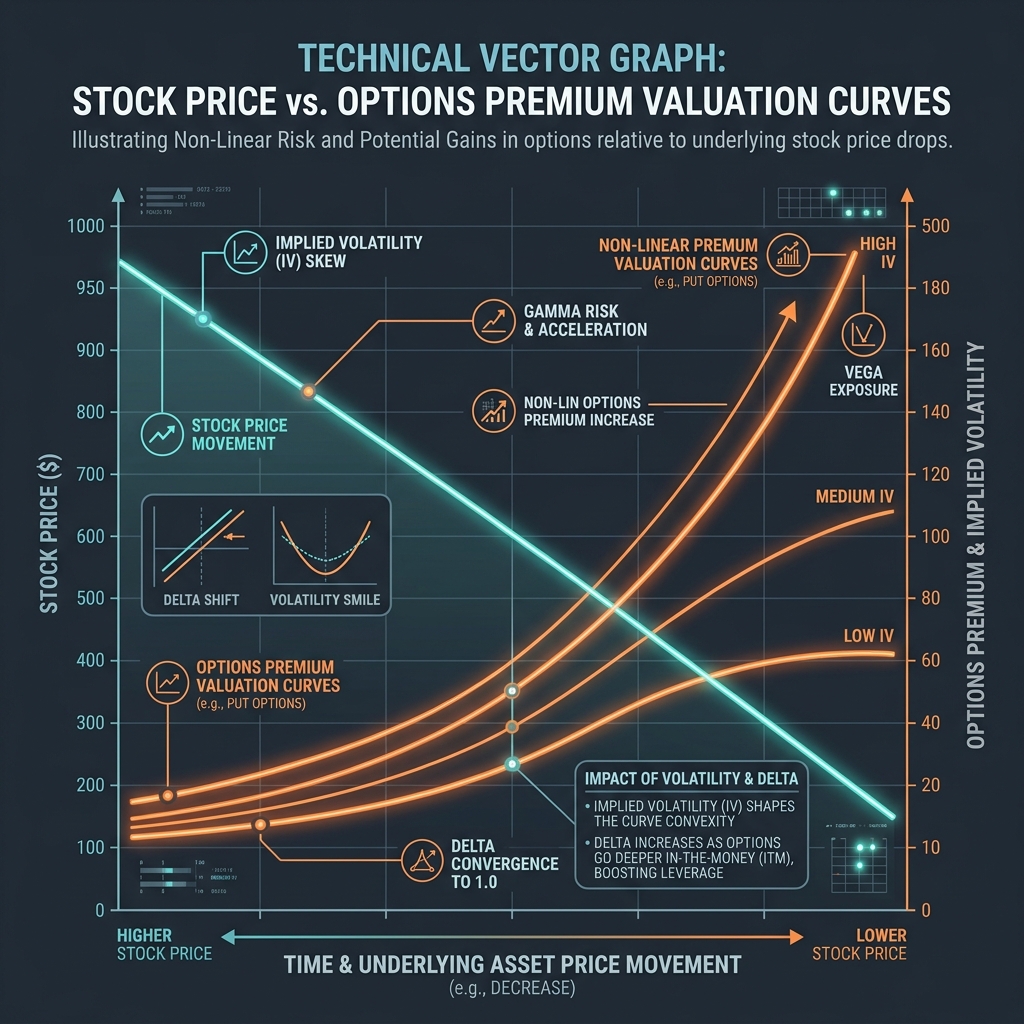
To visualize non-linear transitions and color depth scales that benefit from high-bit formats, refer to the curves chart below:
⚖️ HEIC vs. JPEG: The File Size Comparison
HEIC offers a massive upgrade in storage efficiency:
| Metric | Legacy JPEG | Modern HEIC |
|---|---|---|
| Average File Size | 3.5 MB | 1.7 MB (50% reduction) |
| Max Color Depth | 8-bit | 16-bit |
| Transparency (Alpha) | No | Yes |
| Multi-Image Support | No | Yes |
Because HEIC photos use only half the storage space of JPEGs with identical visual quality, they save gigabytes of cloud storage. However, because older web forms, printing services, and Windows systems do not support HEIC, converting files back to JPEG is a frequent workflow necessity.
🚦 Converting HEIC Safely Online
To bypass legacy compatibility limits: * Avoid Cloud Uploads: Sending private photos to server-side converters risks data leaks. * Convert in the Browser: Use our secure, client-side HEIC to JPG Converter to render HEIC files locally in memory using WebAssembly. Your photos are never sent to external servers. * To edit coordinates or crop dimensions after conversion, check out our Bulk Image Cropper. To learn about other web-optimized formats, read our Image Converters Guide.
Join the Urbandigistore Hub
Subscribe to receive premium developer cheat sheets, advanced conversion techniques, and campaign optimization checklists. Zero spam, unsubscribe anytime.
🚀 Launch Interactive Tool
Ready to test this directly? Open the secure web tool in a new sandbox tab.