
Universal Audio Codec Compatibility: WAV, AAC, and MP3 Transcoding
Learn the key technical differences between WAV, AAC, OGG, and MP3 audio codecs and how browser-based transcoding works.
🔧 Interactive Utility Tool
Try the free, 100% secure client-side tool associated with this guide. No registration required.
Universal Audio Codec Compatibility: WAV, AAC, MP3
Managing media files requires converting between visual and auditory streams. Here is a guide on how audio extraction works.
An audio converter is a tool that decodes a source audio file (like WAV or M4A) and re-encodes it into another format. Using modern browser APIs, transcoding can be done entirely on the client side.
Audio codecs differ significantly in how they handle compression, file size, and device compatibility. When converting files, choosing the right codec depends on whether you need uncompressed fidelity or portable compatibility.
Product-Led CTA: Converting files online shouldn't require exposing your audio clips to cloud servers. Use our secure, client-side Universal Audio Converter to transcode audio formats in memory.
⚡ Quick Action: Use the Online Tool
This guide pairs with our free, 100% secure client-side utility tool. Process your files or text instantly in-browser.
⚙️ Audio Codec Comparison
To choose the right target format, understand how different codecs manage data: * WAV (Waveform Audio File Format): Uncompressed linear Pulse-Code Modulation (PCM). WAV files preserve bit-for-bit audio data, making them ideal for editing, but they have very large file sizes. * MP3 (MPEG-1 Audio Layer III): A lossy compression format. It discards frequencies that the human ear cannot easily hear, shrinking files by up to 90% while maintaining acceptable sound quality. * M4A (Advanced Audio Coding / AAC): A modern lossy successor to MP3, offering better audio quality than MP3 at equivalent bitrates.
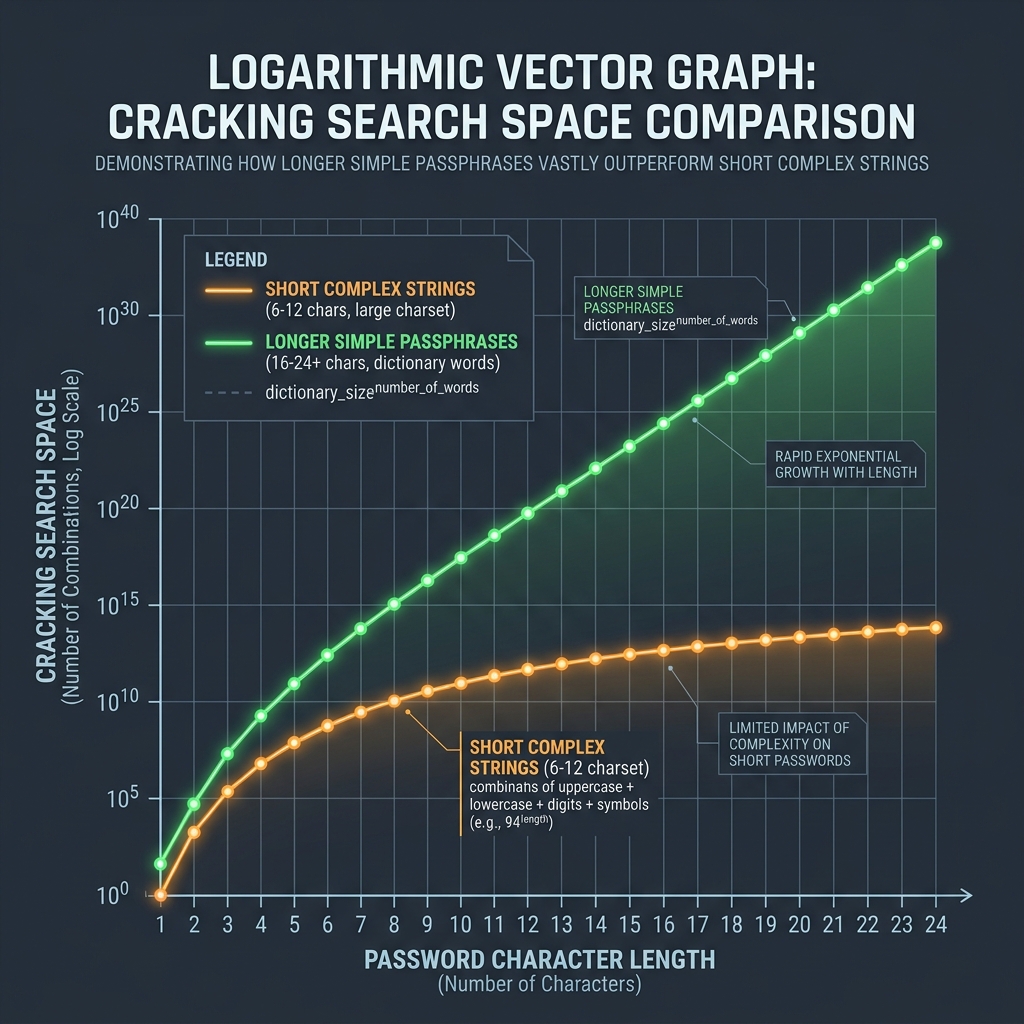
📊 Codec Entropy Reference
Compressing files reduces data entropy. Refer to the logarithmic curve below to see how encoding complexities scale:
🛠️ Transcoding Audio Locally
To transcode audio files efficiently: * Use WAV for Master Copies: Store your primary audio recordings as WAV files to avoid degradation. * Convert to MP3 for Web Sharing: Transcode your audio files to MP3 for sharing or hosting on standard web servers. * Read HEIC Compression Standards and Lossy vs Lossless Compression to learn more. * Convert WAV, M4A, or OGG tracks to MP3 instantly using our local Universal Audio Converter.
Join the Urbandigistore Hub
Subscribe to receive premium developer cheat sheets, advanced conversion techniques, and campaign optimization checklists. Zero spam, unsubscribe anytime.
🚀 Launch Interactive Tool
Ready to test this directly? Open the secure web tool in a new sandbox tab.