
Demystifying QR Code Quiet Zones: Quiet Zone Guidelines for Scanning Speed
Learn how to set the quiet zone margin around a QR code grid to optimize optical reading and maximize scanner recognition speeds.
🔧 Interactive Utility Tool
Try the free, 100% secure client-side tool associated with this guide. No registration required.
Demystifying QR Code Quiet Zones: Optimizing Scan Speed
Deploying custom QR codes in campaigns requires strict adherence to scanner specifications. Here is how grid contrast works.
A QR Code is a two-dimensional barcode storing data inside a grid of dark and light modules. Scanners decode this grid using error-correction math, allowing for fast scannability even when the code is partially damaged.
In high-speed scanning environments—such as logistics centers, retail checkouts, or ticketing gates—every millisecond counts. If a QR code is surrounded by text, borders, or graphics with insufficient margins, the scanner's optical processor will struggle to find the boundaries of the code. This delay can be avoided by maintaining a proper Quiet Zone.
Product-Led CTA: Creating scannable QR codes requires compliant borders and high contrast. Generate web-ready graphics instantly using our free, browser-based Custom QR Code Generator with custom error correction.
📐 Why Quiet Zones Matter for Scanning Speed
Optical scanners locate a QR code by identifying its three finder patterns (the large squares in the corners). The software then reads the grid lines between these points: * The Quiet Zone: A solid, clear margin surrounding the code that separates it from surrounding design elements. * Scanner Interference: Without a quiet zone, the scanner's software may mistake surrounding text or graphics for part of the QR code data, leading to decoding failures or slow read speeds.
⚡ Quick Action: Use the Online Tool
This guide pairs with our free, 100% secure client-side utility tool. Process your files or text instantly in-browser.
To ensure fast recognition, standard QR codes require a quiet zone of at least 4 modules (individual squares) on all sides.
📊 Quiet Zone Alignment Reference
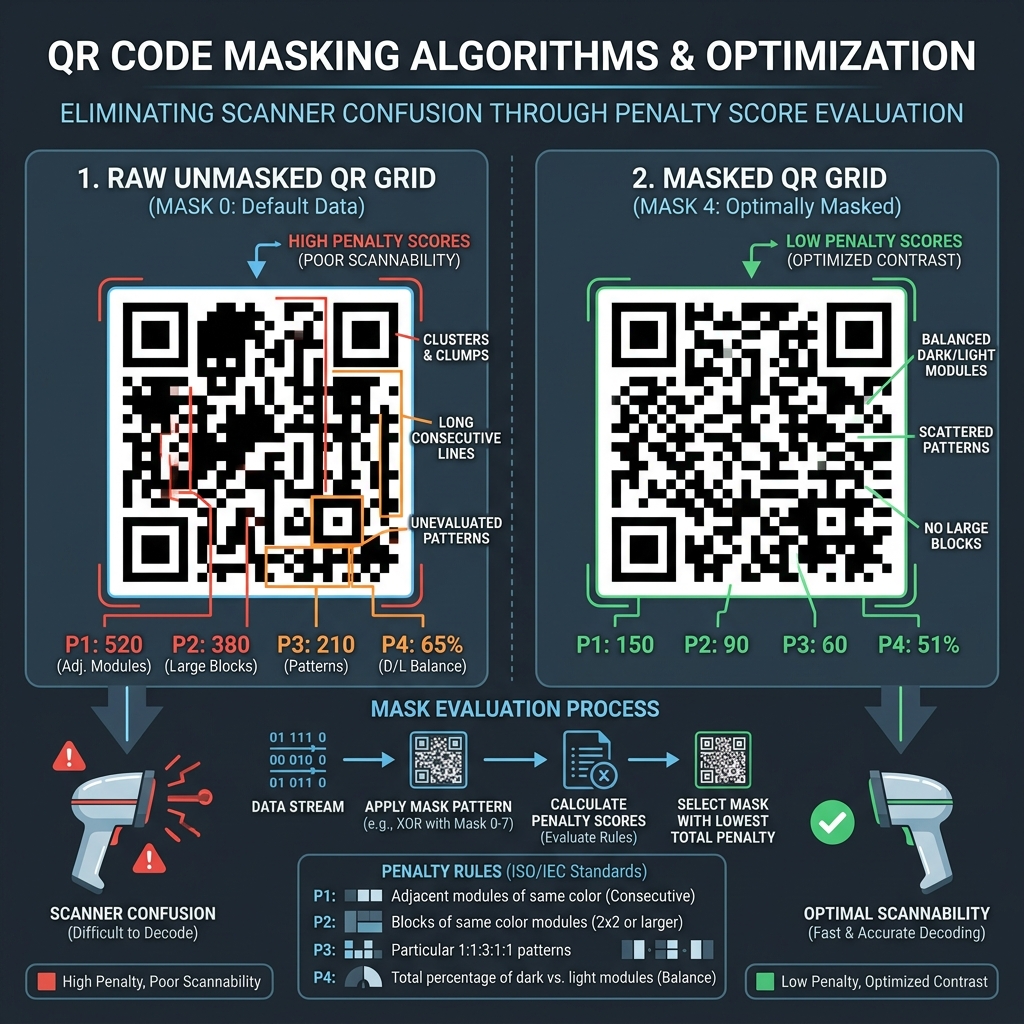
Below is a layout illustrating finder patterns and quiet zone margins:
🚀 Optimization Checklist for Marketing Teams
To optimize your QR codes for fast scanning: * Match Colors: Ensure the quiet zone matches the background color of the QR code (typically white) to provide maximum contrast. * Simplify Data: High-density codes take longer to scan. Shorten your campaign URLs with our Campaign UTM Builder before generating the code. * Read Demystifying QR Code Quiet Zones and QR Code Error Correction Levels to learn more.
Join the Urbandigistore Hub
Subscribe to receive premium developer cheat sheets, advanced conversion techniques, and campaign optimization checklists. Zero spam, unsubscribe anytime.
🚀 Launch Interactive Tool
Ready to test this directly? Open the secure web tool in a new sandbox tab.