
Why Is My QR Code Blurry? Tips to Fix Low-Resolution Codes
Find out why your QR code is blurry or pixelated, and learn how to output high-resolution vector formats to ensure reliable scanning.
🔧 Interactive Utility Tool
Try the free, 100% secure client-side tool associated with this guide. No registration required.
Why Is My QR Code Blurry? Resolution Fixes
Deploying custom QR codes in campaigns requires strict adherence to scanner specifications. Here is how grid contrast works.
A QR Code is a two-dimensional barcode storing data inside a grid of dark and light modules. Scanners decode this grid using error-correction math, allowing for fast scannability even when the code is partially damaged.
If you download or print a QR code and find that it looks blurry, pixelated, or fuzzy, scanning devices may fail to decode it. This guide covers why QR codes print blurry and how to export high-resolution codes.
Product-Led CTA: Blurry codes lead to failed scans and lost customers. Generate sharp, high-resolution codes instantly using our browser-based Custom QR Code Generator.
⚡ Quick Action: Use the Online Tool
This guide pairs with our free, 100% secure client-side utility tool. Process your files or text instantly in-browser.
⚙️ Why QR Codes Get Blurry
QR codes are mathematical grids of square pixels. They become blurry due to formatting and scaling issues: * Raster Compression: Formats like JPEG or PNG store images as pixel grids. When scaled up, the browser interpolates pixels, smoothing the sharp square borders of modules and making them blurry. * Low Resolution (DPI): Screen images are optimized for 72 DPI (dots per inch), but physical printing requires a density of at least 300 DPI to remain sharp. * Density Overload: Encoding too much text or data creates smaller modules. If the resolution is too low, these modules blur together.
📊 QR Code Quiet Zone Alignment Reference
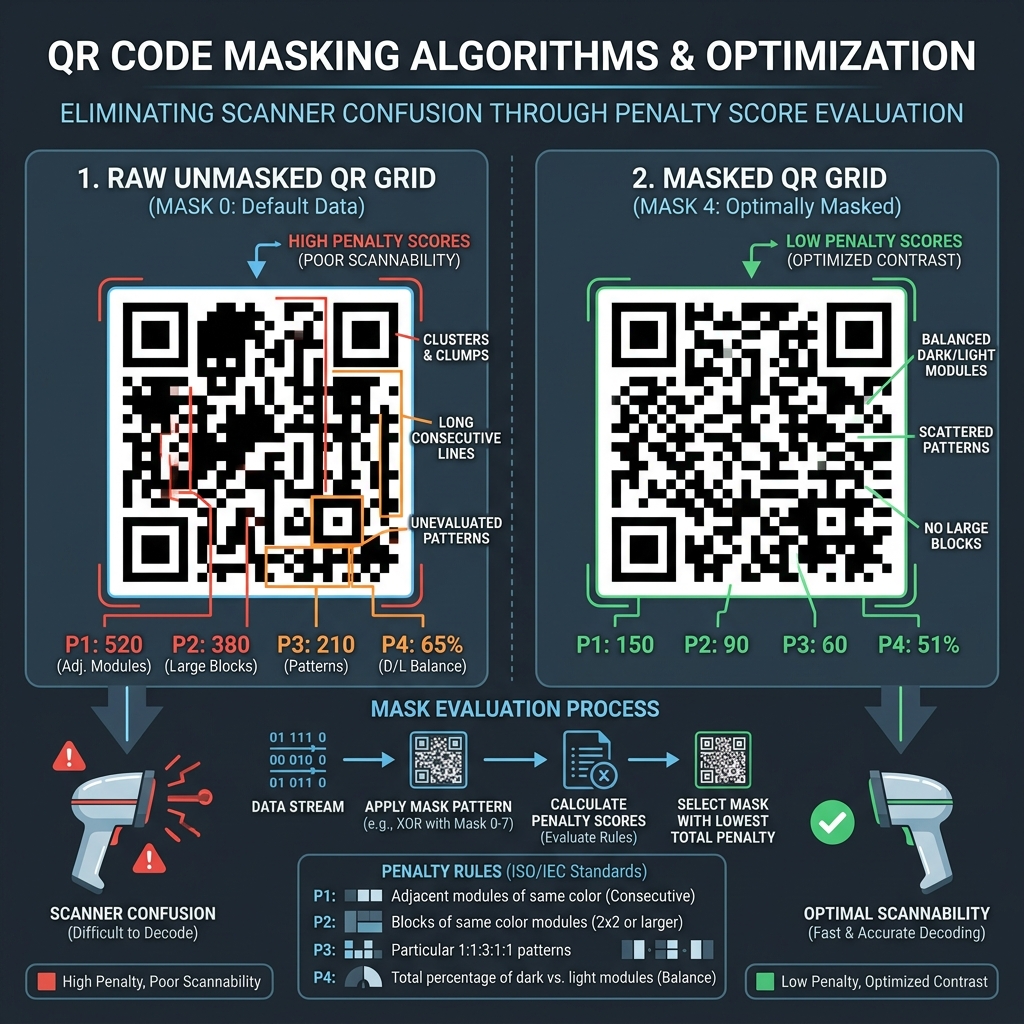
Below is a layout illustrating quiet zone boundaries and finder patterns:
🛠️ How to Fix Blurry QR Codes
To ensure your codes are always crisp and scannable: * Export as Vector (SVG): Vector formats store coordinates rather than pixels. An SVG can scale infinitely to any size without losing sharpness. * Increase the Canvas Scale: If you must use PNG format, render the canvas at a scale of 2.0x or 4.0x (e.g., 1000x1000 pixels) before exporting. * Read QR Code quiet zones scan reliability and QR Code Error Correction Levels to learn more. * Generate high-resolution vector graphics instantly using our local Custom QR Code Generator.
Join the Urbandigistore Hub
Subscribe to receive premium developer cheat sheets, advanced conversion techniques, and campaign optimization checklists. Zero spam, unsubscribe anytime.
🚀 Launch Interactive Tool
Ready to test this directly? Open the secure web tool in a new sandbox tab.